How to See Who Is Online in WordPress

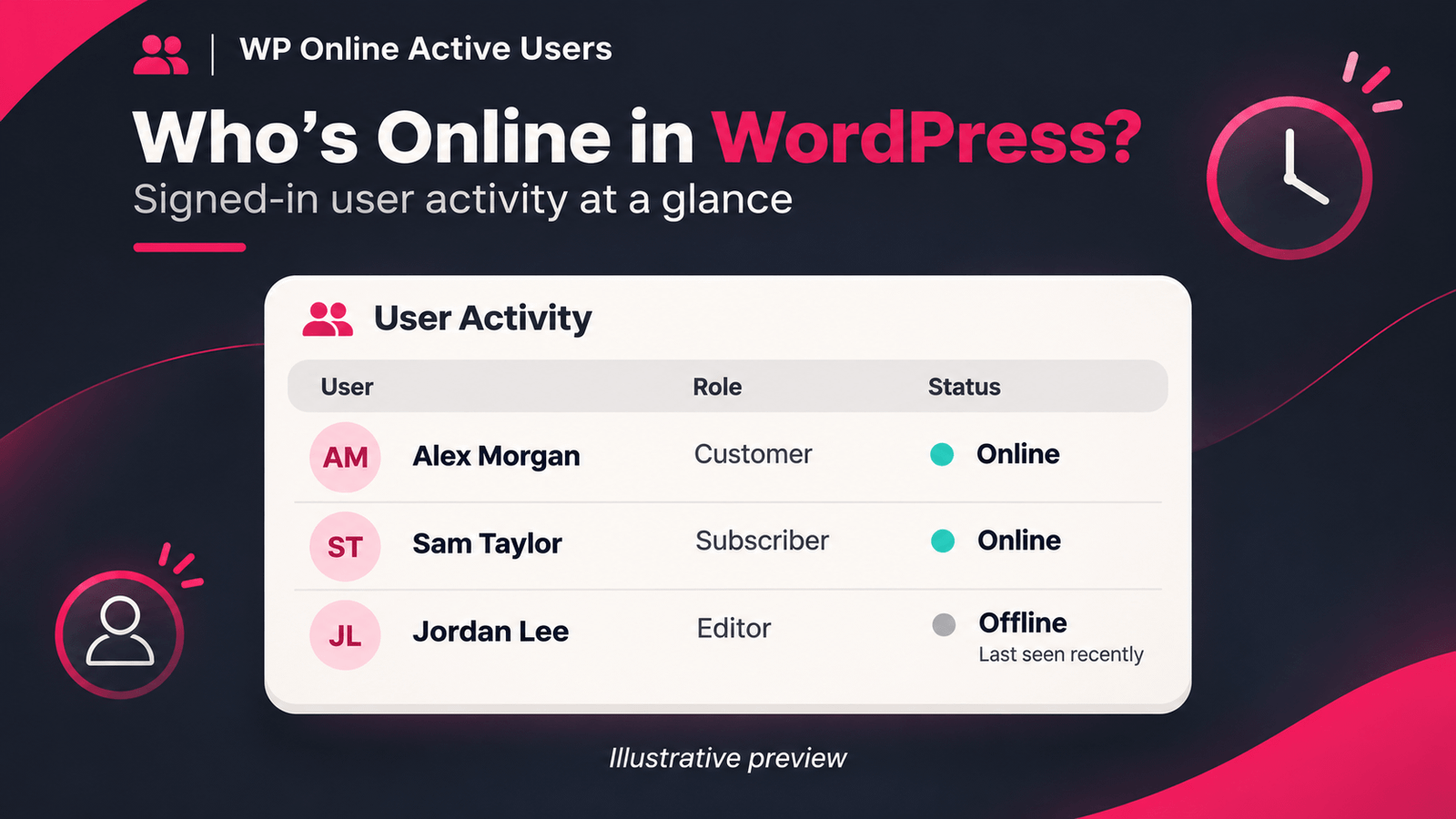
WordPress user activity table showing online status and last-seen information

Want to see who is online in WordPress? WP Online Active Users helps you check which signed-in users are active and view their last-seen activity from your dashboard. It is useful for membership websites, WooCommerce stores and online communities.

How to Check Online Users

  1. In your WordPress dashboard, go to Plugins → Add New Plugin.
  2. Search for Online Active Users, then install and activate the free plugin from WordPress.org.
  3. Go to Users → Online Active Users to view the user list.
  4. Check each user’s online status and last-seen details.

To test the setup, sign in with another account in a different browser and visit a few pages. Return to your administrator dashboard to check that account’s activity.

What Does Online Status Mean?

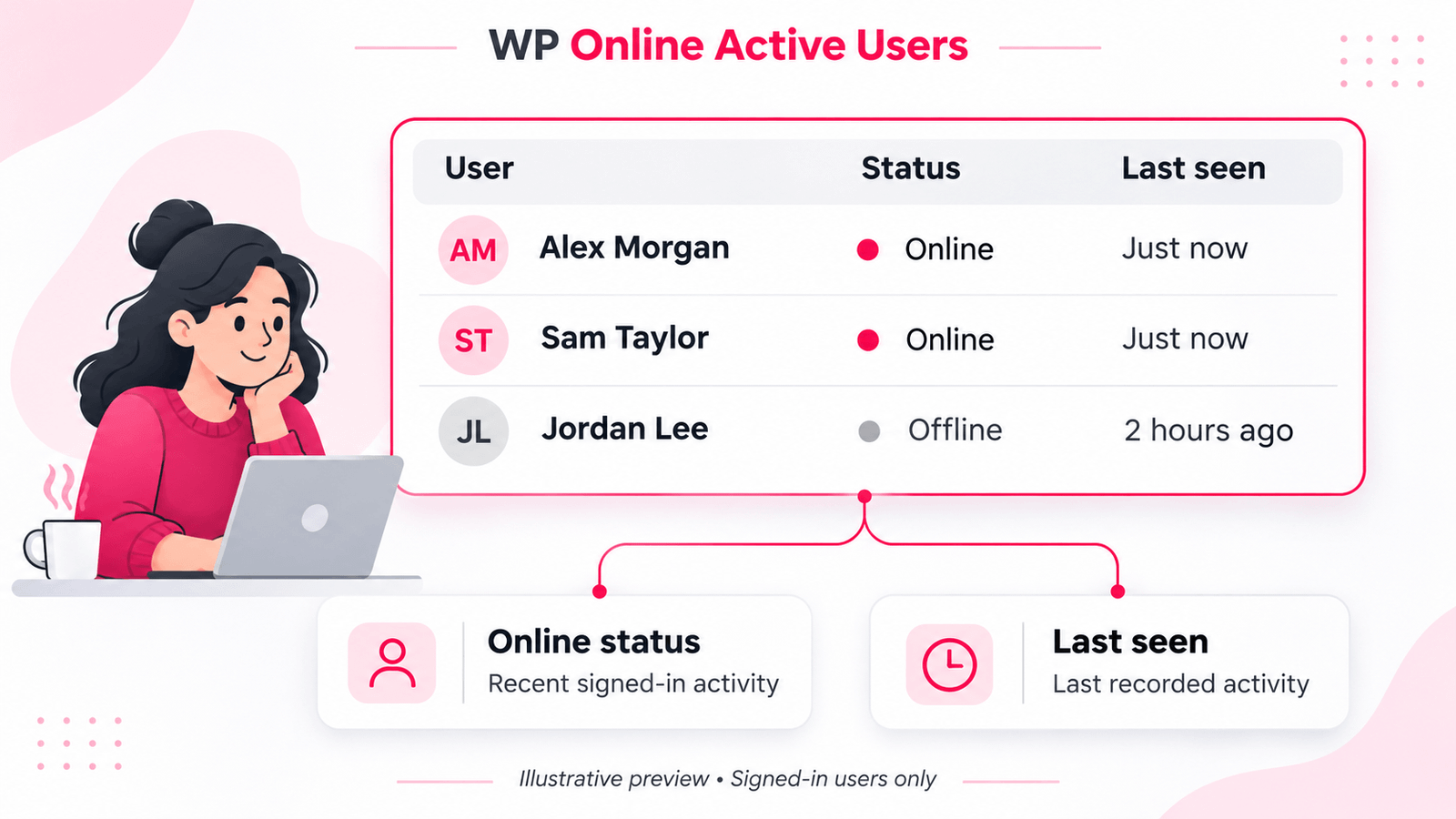
Online status reflects recent recorded activity from a signed-in user. It helps you understand who has been active, but it does not confirm that someone is looking at the page at that exact moment. This tracking focuses on registered users rather than all anonymous visitors.

You can start with the free tracking features and explore WP Online Active Users Pro for browser-session insights, returning-user notifications, support chat and feedback campaigns.

Illustration of WP Online Active Users showing signed-in users’ online status and last-seen activity.

Why Check Online User Activity?

Knowing which signed-in users are active can help you manage a membership website, online store or community. For example, you can check whether a customer has recently visited before following up on a support request. Last-seen details also help you distinguish recent activity from accounts that have not returned for some time.

Tips for Checking User Activity

For a useful test, keep your administrator account open in one browser and sign in with a separate test account in another. Visit a few pages with the test account, then check its status in your dashboard.

Remember that online status is based on recent activity. A user may still be signed in after becoming inactive, so online activity and login sessions should not be treated as the same thing.