

A customer asks whether your product supports their website. Another wants to understand your refund policy. A third needs help with a payment problem.
Should AI handle all three?
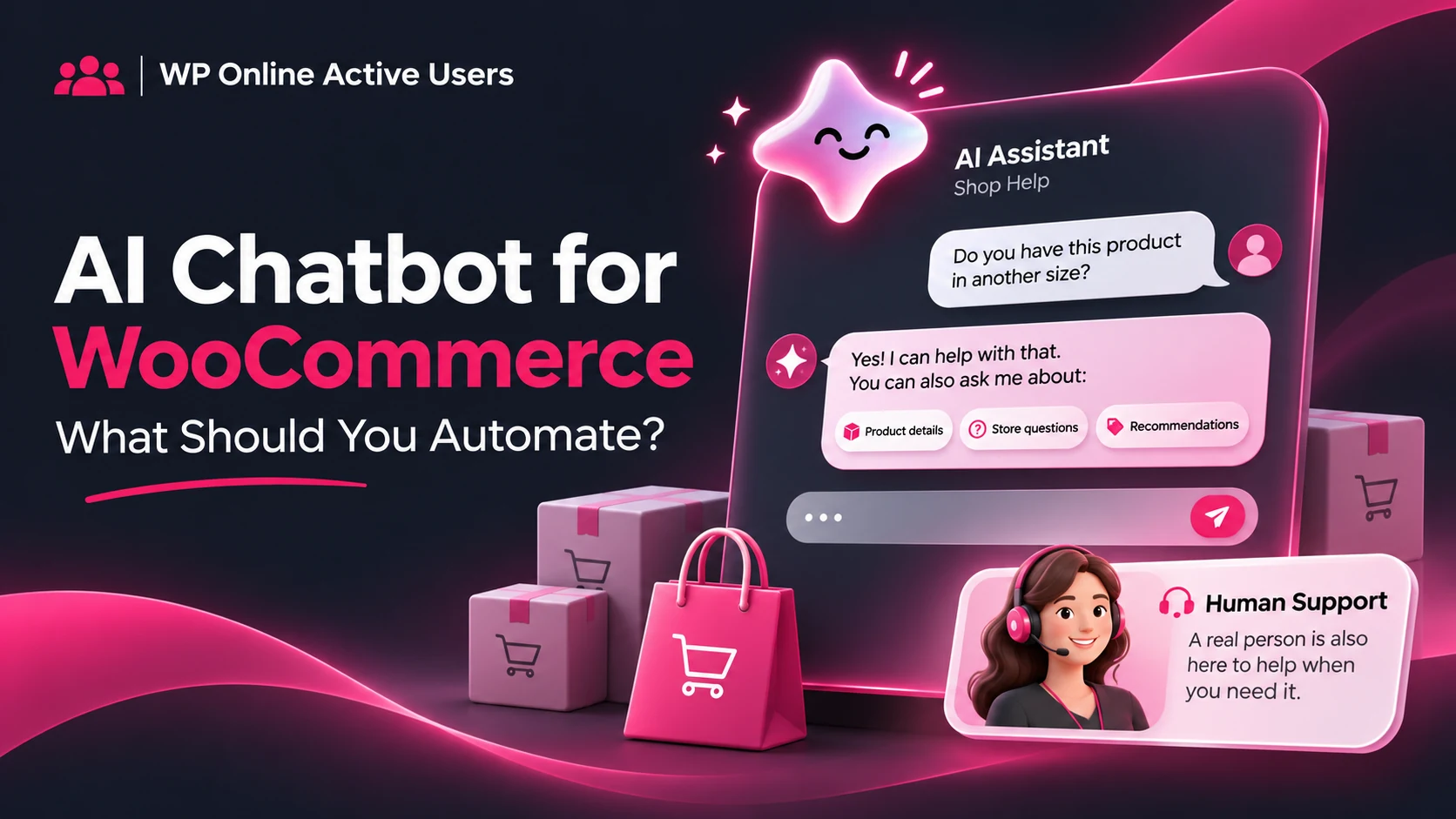
An AI chatbot for WooCommerce can help answer routine questions, but useful automation starts with choosing its responsibilities carefully. The goal is to help customers reach an accurate answer—not simply send a fast response.
Start With Questions Your Team Already Answers
Review your recent support conversations. Look for questions with clear, repeatable answers, such as:
- Where can I find installation instructions?
- What does this plan include?
- How can I contact your support team?
- Where can I read the refund policy?
These are sensible starting points because your team can prepare and maintain the answers.
For a WordPress plugin store, compatibility questions need extra care. An assistant should use your published requirements rather than guess whether a product works with every theme or extension.
Choose an AI Chatbot for WooCommerce That Knows Its Limits
A customer asking “Where is the refund policy?” needs information. Someone saying “I was charged twice” needs an investigation.
Keep payment disputes, refund decisions and account-access problems under human review. Order-specific assistance also requires an authorised integration that verifies who is asking.
Do not assume that adding a chatbot automatically gives it secure access to WooCommerce orders, subscriptions or customer accounts.
The WooCommerce AI Support Assistant documentation provides an example of store-focused support built around a store’s own knowledge. Features vary between tools, so check each product’s documented capabilities. WooCommerce
Combine Approved Answers, AI and Human Support
Consider this practical approach:
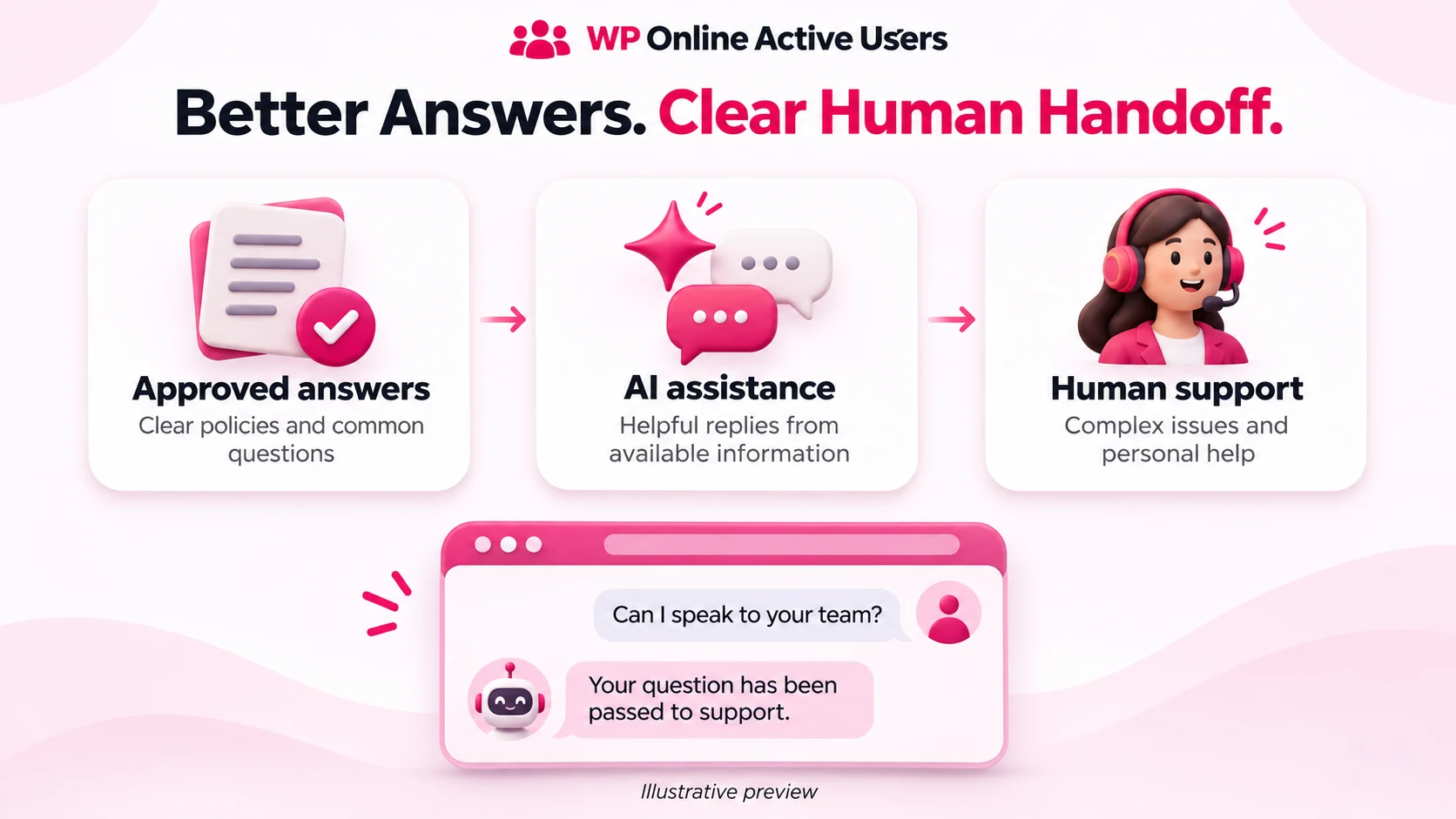
Approved answers handle questions where wording and accuracy matter, including support hours and product policies.
AI-assisted replies help with broader questions using the information made available to the assistant.
Human support handles unresolved issues, sensitive requests and customers who ask to speak to someone.
For signed-in customer conversations, WP Online Active Users Pro combines admin-managed answers, optional AI-assisted replies and human handoff.
This approach is particularly relevant to member dashboards and customer portals. Check the intended audience before choosing it for a public storefront.
ChatGPT, Claude or Gemini: What Matters Most?
The familiar name of an AI service is only one part of the decision. Check the chatbot’s supported provider integrations, available models, API requirements and the quality of its answers to your actual customer questions.
A consumer chat subscription and an API connection are different products. Confirm what your chosen integration requires before purchasing access.
Most importantly, test whether the assistant admits uncertainty and passes difficult conversations to your team.
Test the Conversation Before Launch
Try your AI chatbot for WooCommerce with a correct question, an unclear question and a request it should not fulfil.
Ask about an unavailable feature. Request a refund. Ask to speak to a person. Check whether the replies remain accurate and the handoff works.
Also test on mobile: can customers open chat, read the answer and send a message comfortably?
If customers struggle to find assistance, improving visibility may matter as much as adding AI.
Start with a small set of useful questions. Review unanswered conversations and improve your support information over time. A helpful assistant should make getting support easier while keeping your team accountable for the answers.