How to Welcome Returning Users in WordPress
A member returns to your website after several weeks. What should they see first—a familiar dashboard, an important update or a helpful message explaining what has changed?
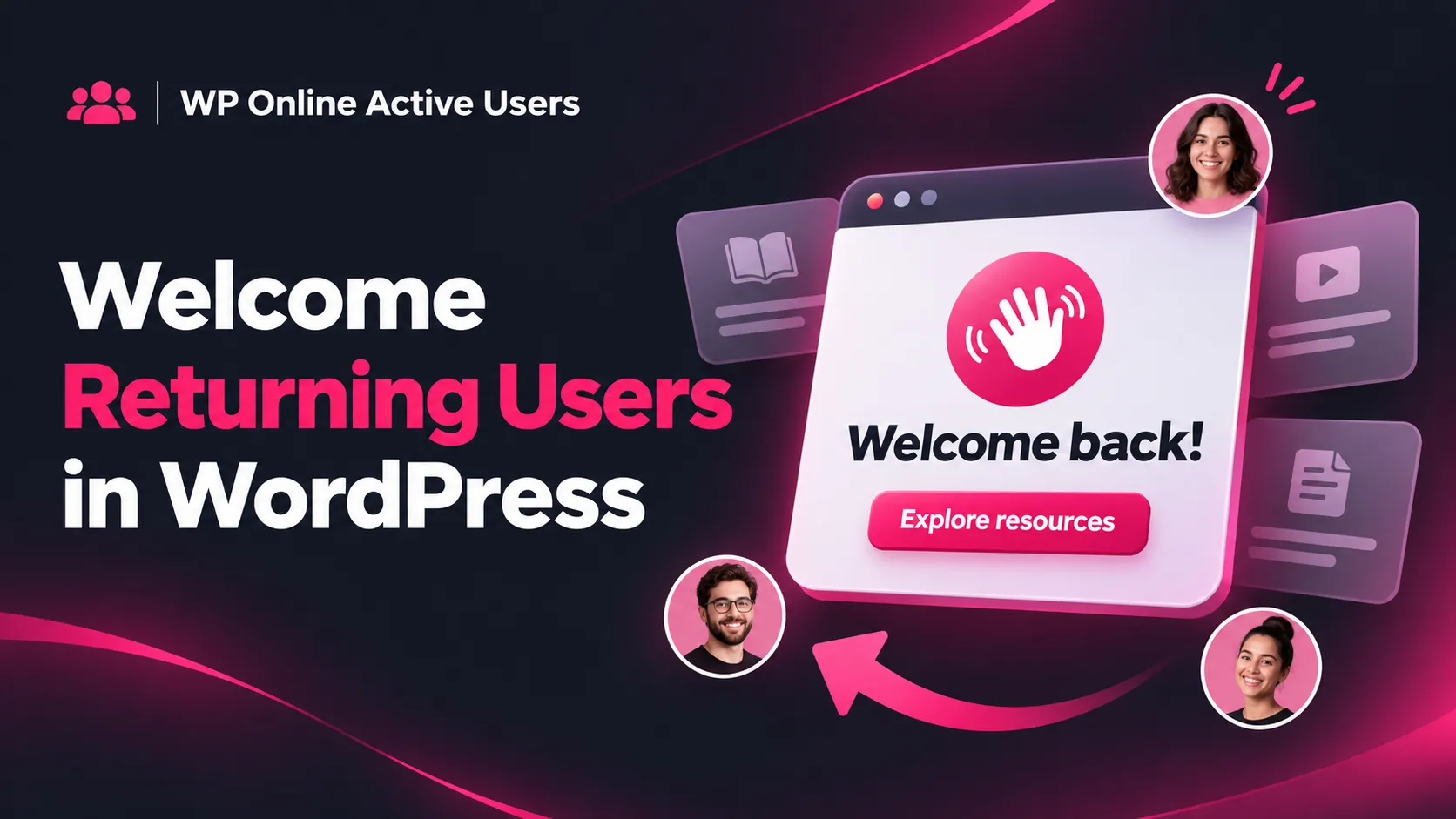
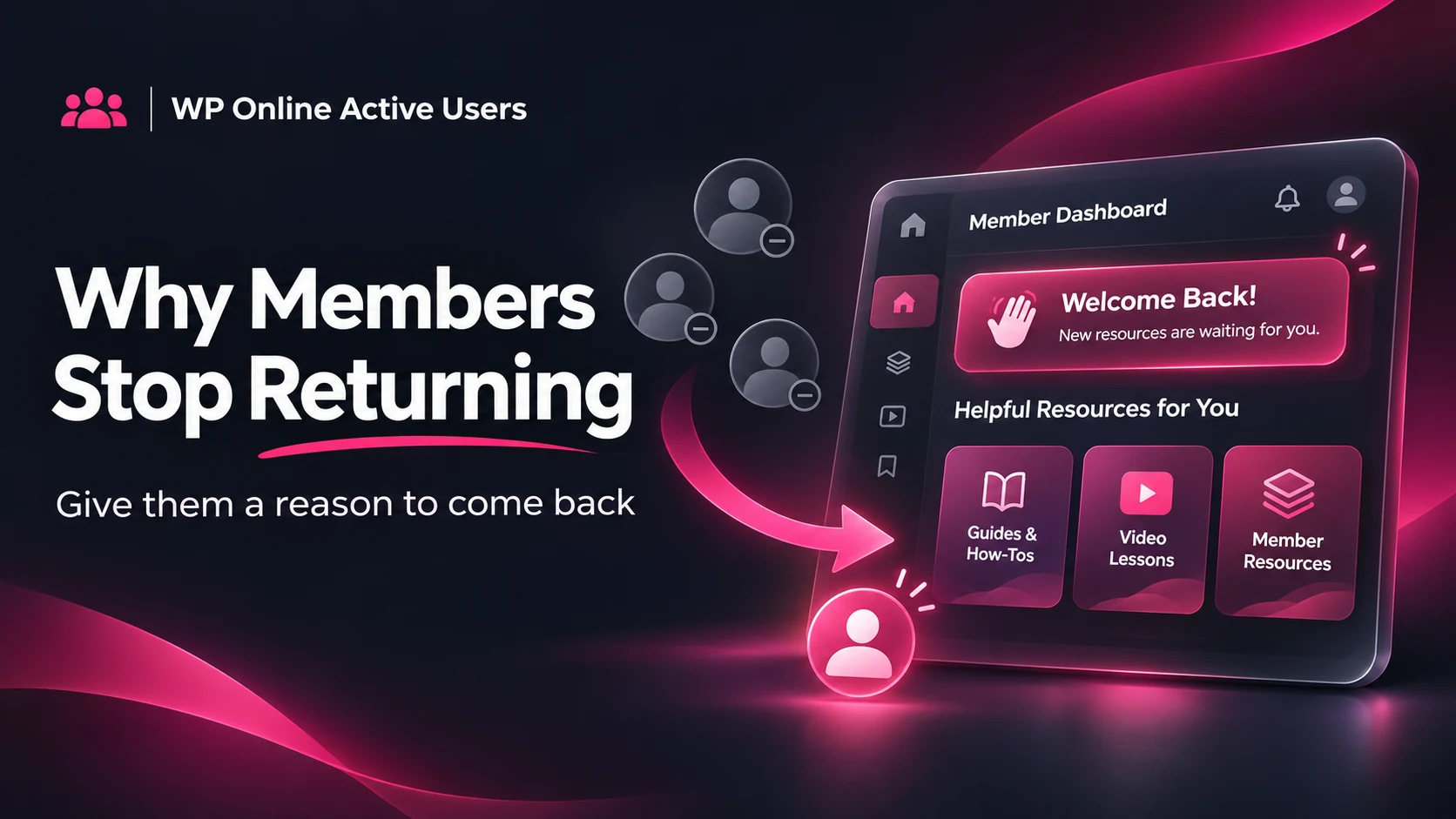
When you welcome returning users in WordPress, a short, relevant notification can give them a useful next step. Instead of showing the same promotion to everyone, tailor your message to the reason someone visits your website.
Why Returning Users Need a Different Message
First-time visitors may need an introduction. Returning members already know your website, but they might have missed a new resource, account update or service announcement.
For example, a learning community could highlight a recently published lesson. A customer portal could point people toward updated support resources. The message should help users continue their journey without interrupting their work.
If you are unsure which accounts have been active recently, start with our guide to checking who is online in WordPress.
How to Welcome Returning Users in WordPress
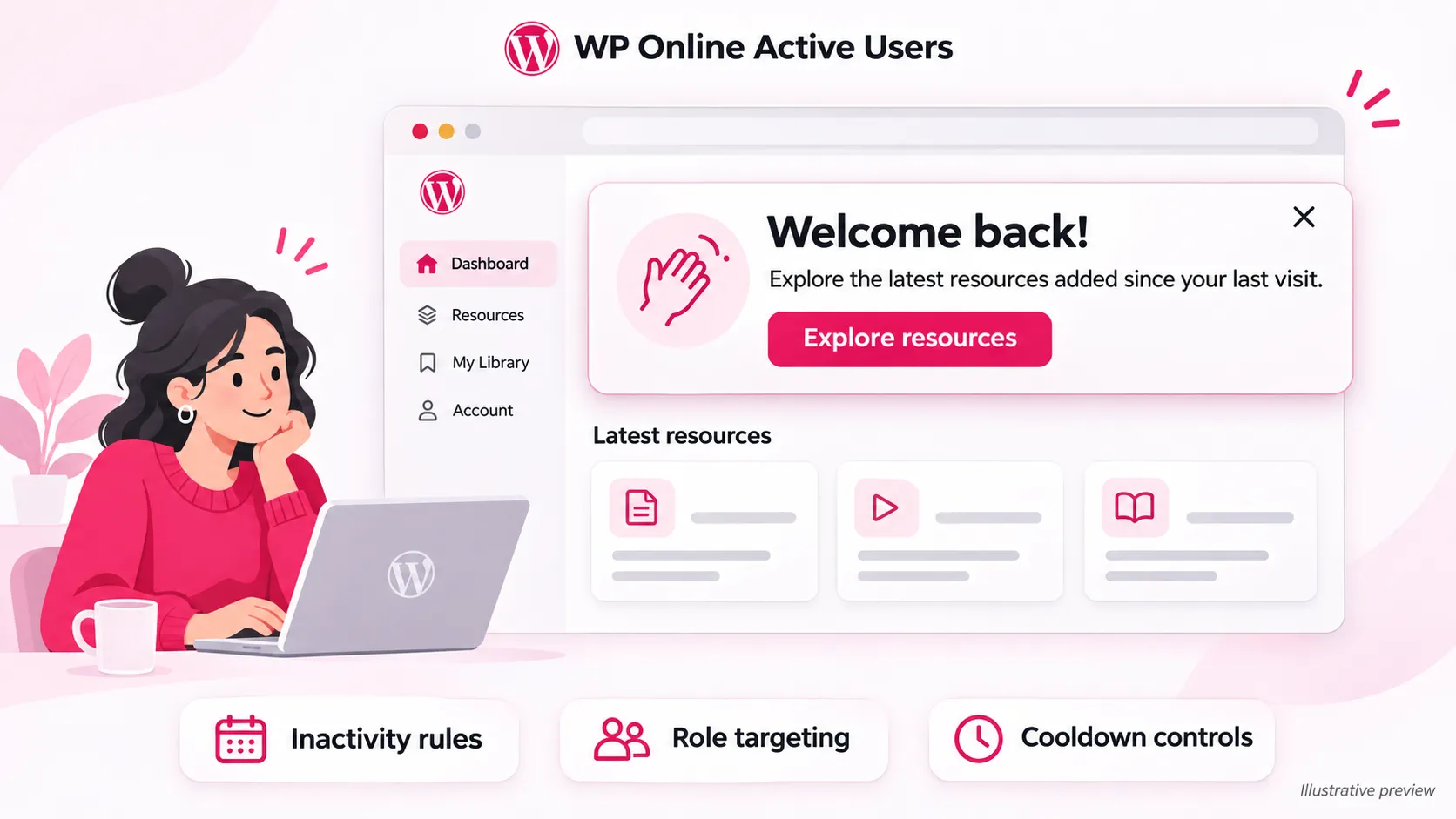
WP Online Active Users Pro provides welcome-back notifications with inactivity rules, cooldowns and role targeting.
Start by deciding when a message becomes useful. Someone returning after one day may need no reminder, while a member returning after several weeks may appreciate a brief update.
Choose the relevant audience, write your message and configure a cooldown before enabling the notification. A cooldown helps prevent the same person from repeatedly seeing the message during frequent visits.
Explore the WP Online Active Users Pro features to review the available notification tools.
Three Welcome-Back Messages You Can Adapt
For a Membership Website
“Welcome back! Explore the latest resources added since your last visit.”
Use this when you have genuinely published something useful for existing members.
For a Customer Support Portal
“Good to see you again. Need assistance? Open your support dashboard to contact our team.”
Keep the destination easy to find and relevant to the customer’s task.
For an Online Community
“Welcome back to the community! Catch up on recent discussions or share a question.”
Avoid suggesting that there are new discussions unless that is accurate.

Keep Notifications Helpful and Accessible
To welcome returning users in WordPress effectively, keep messages brief, use readable text and provide a clear next action. Avoid covering important account controls, particularly on mobile devices.
Where dismissal is available, make the close control easy to identify. The W3C guidance on accessible status messages explains why notifications should also work for people using assistive technology.