Why Website Visitors Leave Without Asking for Help

Website customer support illustration showing a customer leaving with an unanswered question

Why Customers Leave Your Website Without Asking for Help

A customer explores your pricing page, reads about your service and gets stuck on one question. They look around briefly, close the tab and disappear.

No enquiry. No complaint. No explanation.

Your website customer support might be available, but that does not mean customers find it easy to use. Before adding another promotion, consider what could stop someone from asking a simple question.


“I Couldn’t Find Where to Ask”

Imagine a customer comparing two plans. They want to know which one includes support, but the contact link is buried in the footer.

Place a clear help option near important decisions, including pricing, account access and service details. Labels such as “Ask a question” tell visitors what they can do.

Check the mobile layout too. A help button should remain easy to reach without covering the content someone needs to read.

“It Looked Like Too Much Work”

A small question should not require a long form.

If someone only wants to ask about compatibility, requesting their company size, budget and phone number may create unnecessary friction. Ask for the information needed to answer their enquiry.

Use visible field labels and clear instructions. The W3C guide to form instructions explains how these details help people complete forms more easily.

Website Customer Support Needs Clear Expectations

An unanswered chat window leaves customers wondering whether anyone received their message.

Explain what happens next. If your team is unavailable, say that customers can leave a message. Only promise a response time your team can consistently meet.

For example:

“Send us your question. Our team usually replies within one business day.”

Use that wording only if it reflects your actual service.

“The Answer Didn’t Address My Question”

Automated replies can help with common questions, but repeating an unrelated answer creates another obstacle.

Provide a clear route to a person when automation cannot help. Keep your approved answers current, particularly when plans, features or policies change.

For signed-in customer areas, WP Online Active Users Pro offers support conversations with optional AI-assisted replies and human handoff. Choose a setup that matches your team’s availability.

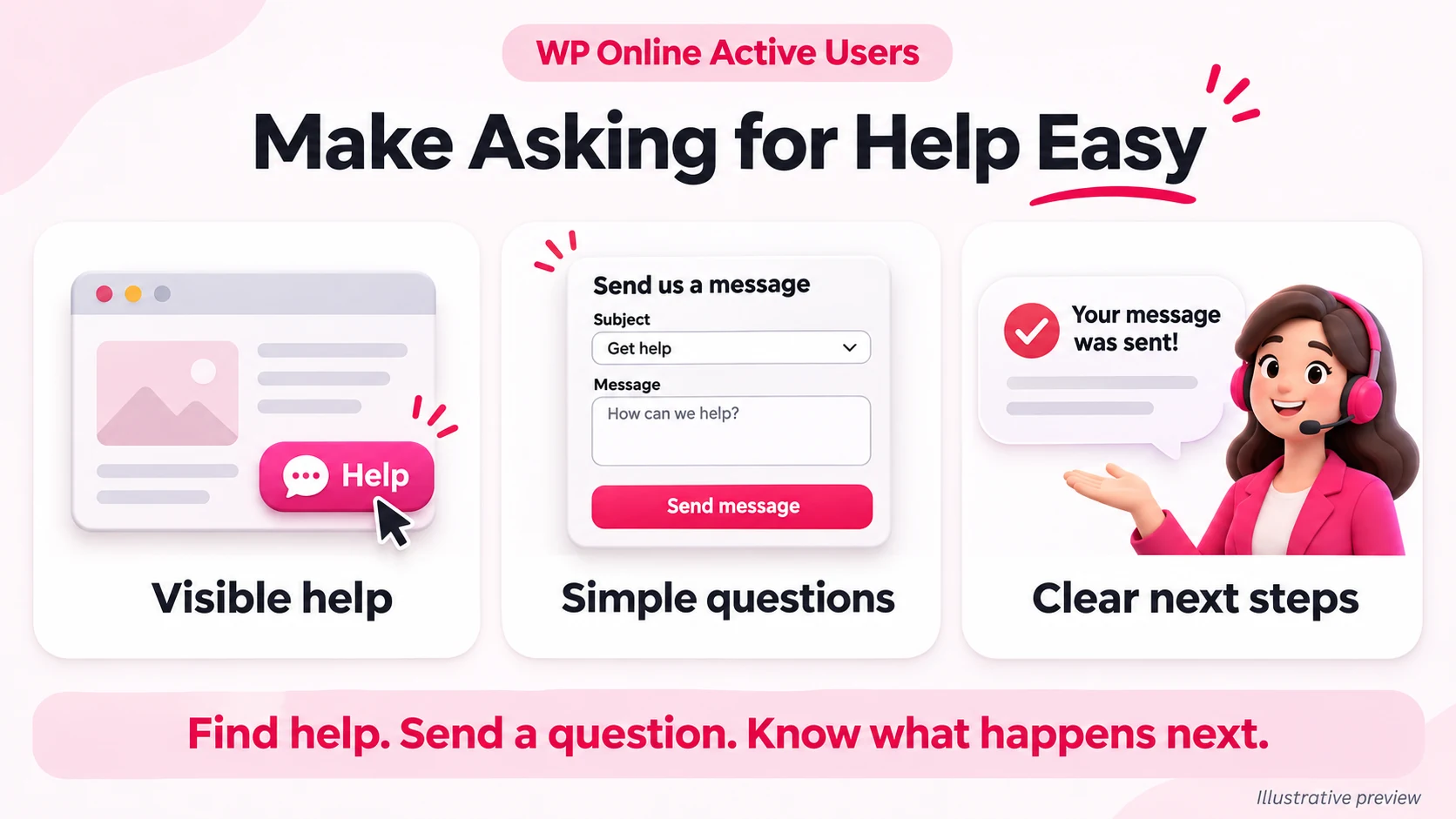
Website customer support with visible help, simple questions and clear next steps

Turn Repeated Questions Into Better Pages

If customers repeatedly ask whether a feature is included, improve the feature description. If they ask how billing works, explain it near the price.

Better website customer support includes removing confusion before someone needs to contact you.

Review recent conversations and choose one recurring question to address on your website this week.

Test the Journey as a Customer

Open your website on a phone and try asking a question from the pricing page. Can you find help, send a message and understand what happens next?

You can also check recent signed-in user activity, but activity alone cannot explain why someone leaves.

Combine those observations with customer feedback. Start by making one question easier to ask—and one answer easier to find.