

How to Speed Up a WordPress Website
Website speed plays an important role in user experience, conversions, and the overall performance of a WordPress website. A slow site can frustrate visitors, while an optimized website provides faster navigation and a smoother experience.
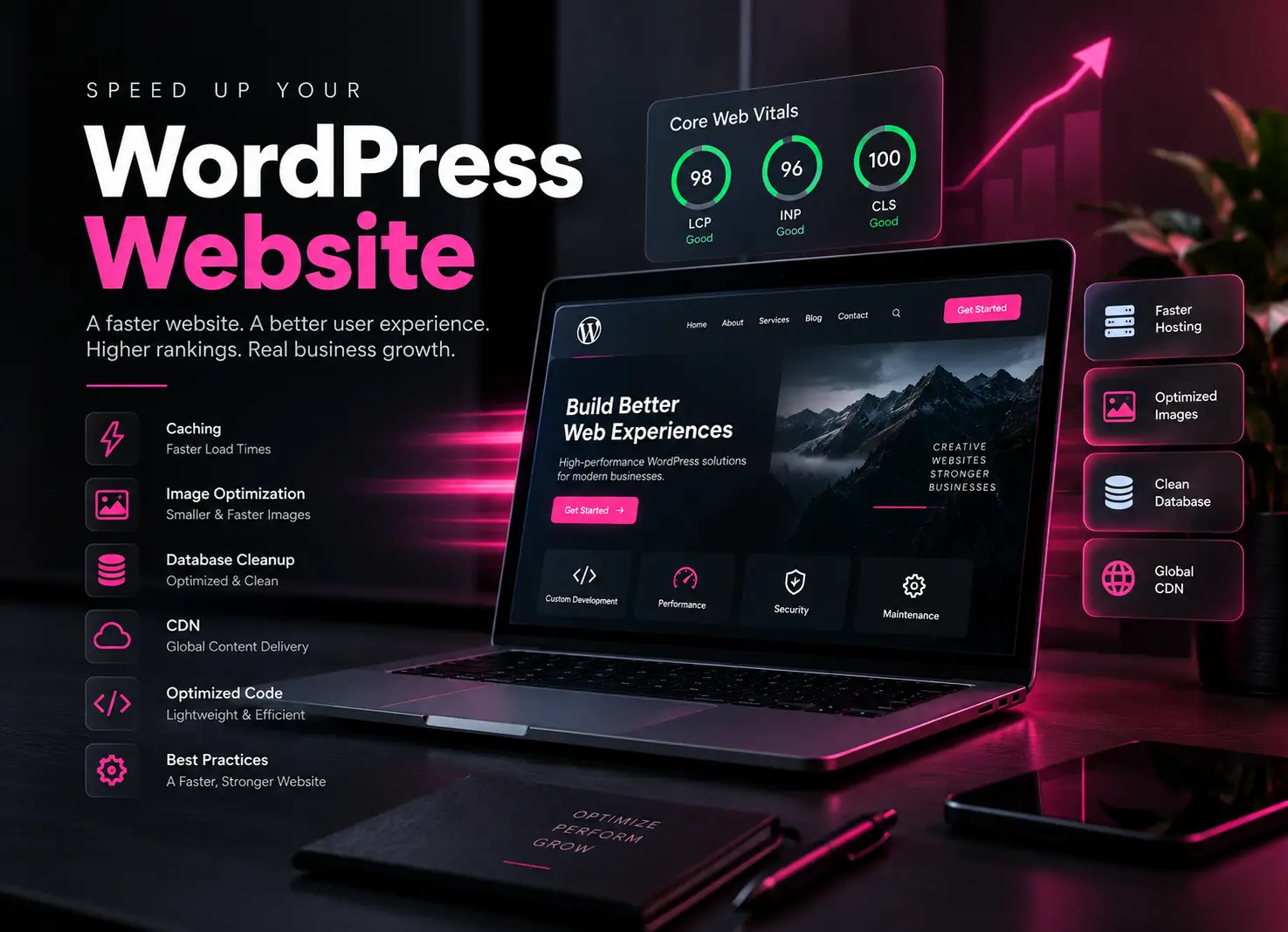
WordPress performance depends on several factors, including hosting, themes, plugins, images, caching, database configuration, server resources, and third-party scripts.
Here are some of the most effective ways to improve WordPress performance.
1. Choose Fast and Reliable WordPress Hosting
Your hosting environment has a major impact on website performance. Choose hosting with sufficient CPU, memory, fast SSD/NVMe storage, an optimized PHP environment, and server-level caching where appropriate.
For websites receiving significant traffic, upgrading server resources can provide a noticeable performance improvement.
2. Optimize WordPress Images
Large images are one of the most common causes of unnecessarily heavy pages.
Resize images before uploading them, compress them appropriately, use modern formats such as WebP where suitable, and avoid loading images at dimensions much larger than their displayed size.
WordPress’s optimization documentation specifically recommends optimizing images and considering modern formats such as WebP.
3. Configure WordPress Caching
Caching can dramatically reduce the amount of work WordPress needs to perform for repeated requests.
Depending on your hosting environment, this can include:
Page caching • Browser caching • Object caching • Server caching
WordPress documentation identifies caching as one of the quickest ways to improve performance.
4. Remove Unnecessary Plugins
Installing too many plugins or simply one poorly optimized plugin can negatively affect website performance.
Review your plugins regularly and remove anything you no longer need. More importantly, identify plugins responsible for expensive database queries, unnecessary frontend assets, external requests, or excessive background processing.
WordPress recommends evaluating plugins and removing unnecessary ones as part of performance optimization.
5. Optimize CSS and JavaScript
Large or unnecessary CSS and JavaScript files increase the amount of data browsers need to download and process.
Performance optimization can include reducing unused assets, minifying files where appropriate, loading scripts only where required, and delaying non-critical functionality.
The goal shouldn’t simply be to achieve a higher performance score it should be to reduce unnecessary work for the browser.
6. Optimize the WordPress Database
Over time, a WordPress database can accumulate revisions, expired transient data, plugin-created data, and other unnecessary information.
Database optimization can help keep the website efficient, particularly on older or content-heavy WordPress installations. Always create a database backup before performing cleanup operations.
7. Use a Content Delivery Network (CDN)
A CDN can deliver static resources such as images, CSS, and JavaScript from infrastructure closer to visitors.
This can reduce the workload on the origin server and improve asset delivery for geographically distributed visitors.
8. Improve Core Web Vitals
Performance optimization should also consider the actual experience visitors receive.
Pay attention to issues such as slow primary content rendering, unexpected layout movement, heavy JavaScript execution, oversized images, render-blocking resources, and slow server response times.
Rather than optimizing individual metrics in isolation, focus on creating a genuinely faster and more stable website.
9. Use a Lightweight WordPress Theme
Your WordPress theme can significantly influence frontend performance.
A well-developed theme should avoid unnecessary scripts and styles, use optimized assets, follow WordPress development standards, and load functionality only when it is needed.
WordPress’s official optimization guidance similarly notes that theme efficiency can have a substantial impact on site performance.
10. Keep WordPress Updated
Keep WordPress Core, themes, plugins, PHP, and your server environment appropriately updated.
Updates can contain bug fixes, compatibility improvements, security fixes, and performance improvements. Test important updates on a staging environment before deploying them to business-critical websites.
Final Thoughts
Speeding up WordPress isn’t about installing one optimization plugin. The best results usually come from improving the entire website stack from hosting and caching to images, code, database queries, themes, plugins, and third-party integrations.
A properly optimized WordPress website can provide visitors with a faster, more responsive, and more reliable experience.